













Windscribe

Free VPN for Windows.

10 GB a Month.No Credit Card.

Get Windscribe for Windows to change your virtual location, unblock the web, and protect your data.
Download for WindowsDownload
Rated 4.7 by Trustpilot • 13K reviews
Windscribe for Windows, connected and sitting over the planet

Built Natively for Windows 10, 11, and ARM

Windscribe hooks straight into the OS so it runs fast, stays out of your way, and doesn't melt your CPU.
  • Operating System
    Windows 10/11
  • Architecture
    x64 & Native ARM64
  • Auto-start
    Windows Launch
  • Footprint
    Lightweight
Using a new Snapdragon Copilot+ PC? We built a native ARM64 version with full split-tunneling support, so it runs fast without wasting battery.
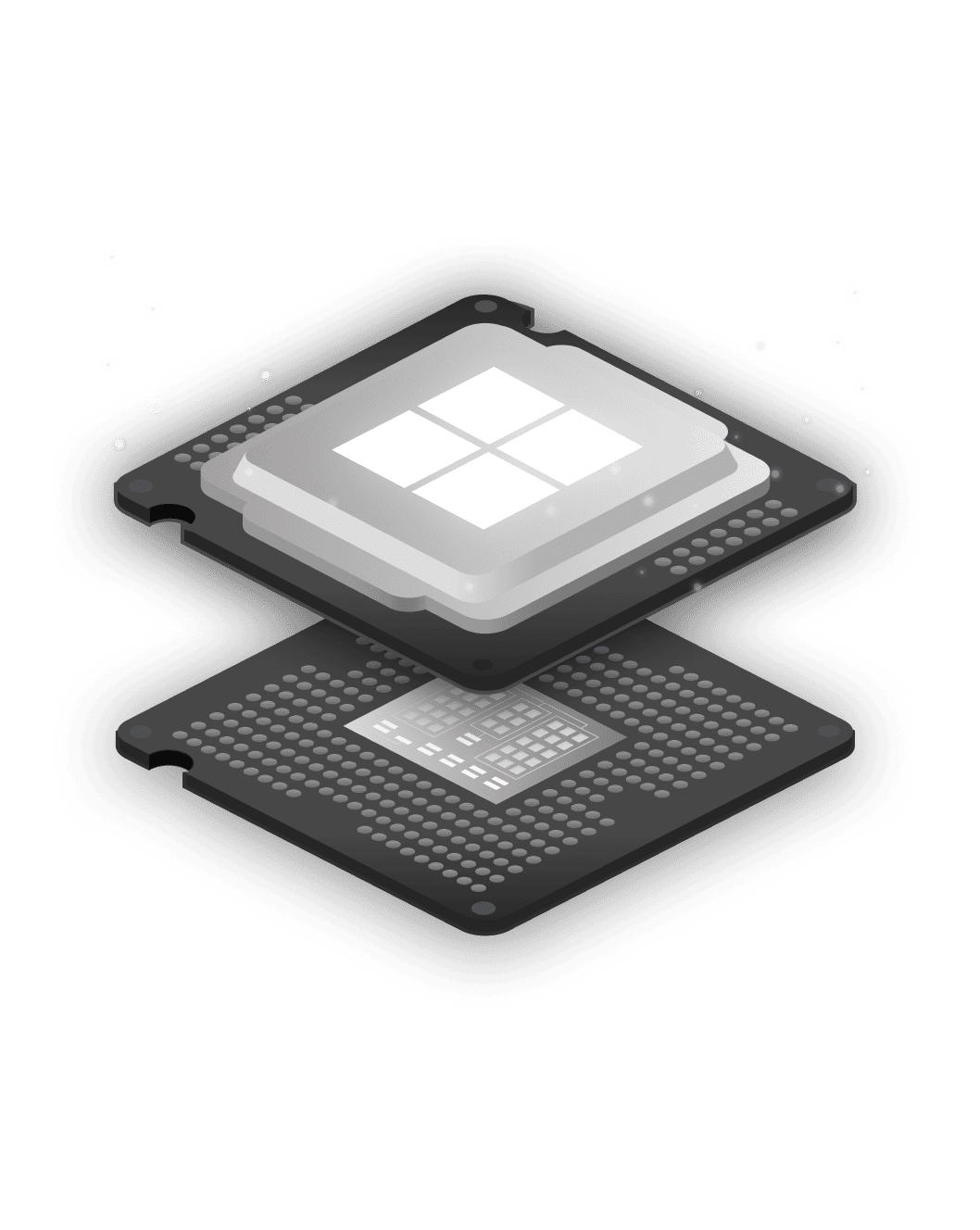
Windscribe chip artwork for the native Windows app

Privacy You Can Verify

How to install

Set up Windscribe on Windows in Seconds

  1. 1. Get the App
  2. 2. Install It
    Open the file and follow the on-screen steps.
  3. 3. Connect
    Create an account, pick a location, and click connect. No email required.
Free vs Pro

What You Get for Free (and What Pro Adds)

Windscribe Free is the same app, same encryption, and same Firewall as Pro with a monthly data cap and fewer locations.
Data
Locations
Devices
R.O.B.E.R.T.
Core Features
PopularFree$0, forever
Data
10 GB per month: 2 GB before you confirm your email
Locations
10 countries: US, Canada, Germany, Switzerland and 6 more
Devices
Unlimited devices: No cap on phones, laptops, or consoles
R.O.B.E.R.T.
Limited: Preset ad, tracker, and malware blocklists
Core Features
All core features: Firewall, all 6 protocols, split tunneling

RecommendedProfrom $3/mo
Data
Unlimited: No strings attached
Locations
69+ countries, 135+ cities: The full suite of Windscribe locations
Devices
Unlimited devices: No cap on phones, laptops, or consoles
R.O.B.E.R.T.
Full R.O.B.E.R.T.: Full customization and custom rules
Core Features
All core features: Firewall, all 6 protocols, split tunneling

We're really free

Free Forever. Why?

Free is our marketing budget. We don't run ads, sell your data, or sneak you into a paid trial. Need more data or countries? Go Pro. Post about us on X and get an extra 5 GB every month. Yes, really.
Download for WindowsDownload

One App for Everything You Do on Your PC

  • Streaming
    Connect to any location you want to stream from and watch shows that aren't available where you are with 10 Gbps servers in 85+ cities.
  • Gaming
    Send your game straight to the internet while everything else stays protected, or tunnel it to dodge ISP throttling. Consoles ride along too.
  • File Sharing
    P2P is allowed on our network, and the Firewall means a dropped connection never exposes your real IP mid-swarm.
  • Public Wi-Fi
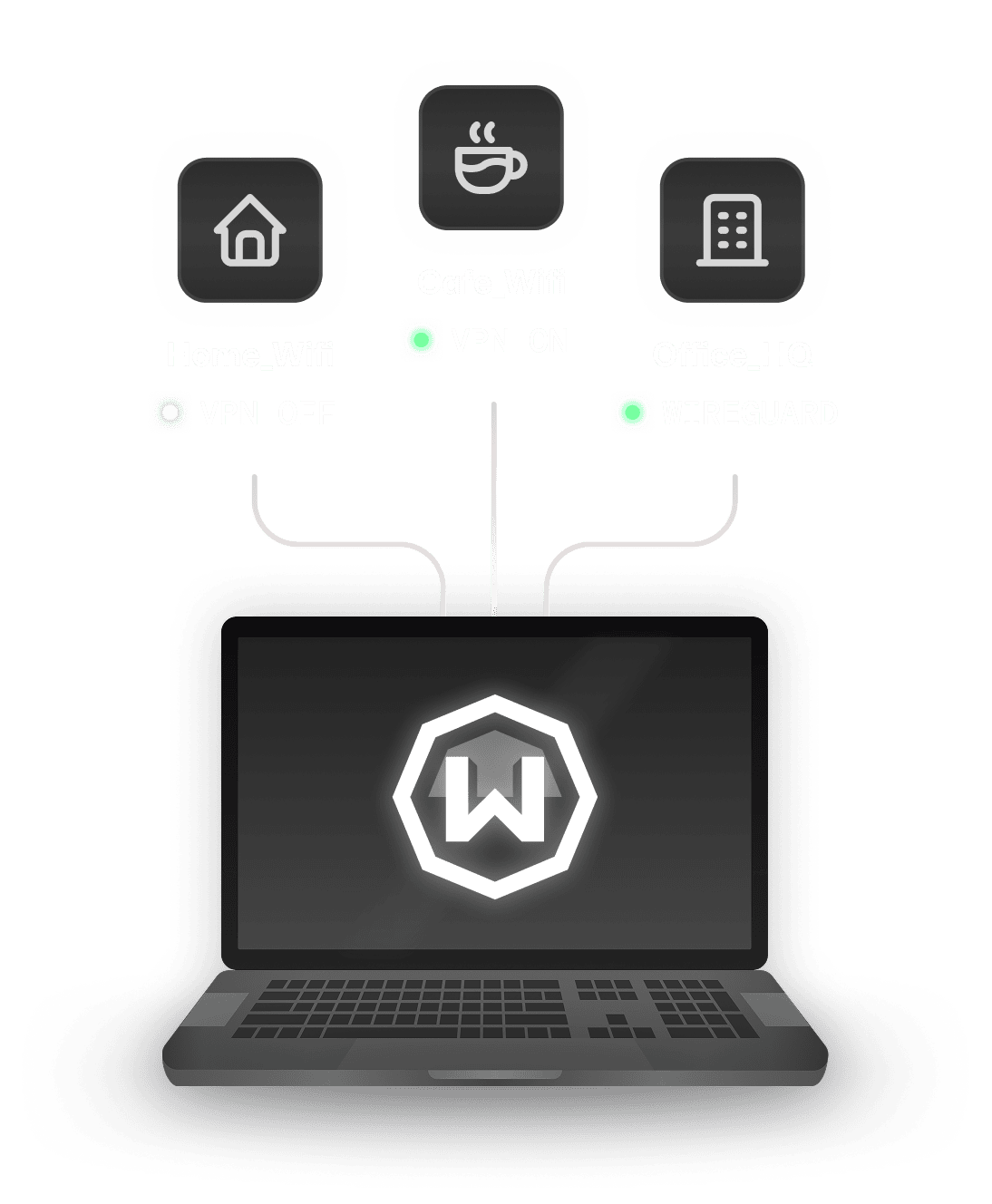
    Auto-connect the moment you join an untrusted hotspot, and look like a brand-new device every time.
Protocols

Connect on Any Network

Windscribe offers 6 different protocols to choose from, along with over 20 different connection ports, for both Free and Pro users.
  • WireGuard®
    Latest next-generation VPN protocol that offers record-breaking speeds. Connect on 6 different ports.
  • IKEv2
    Offers fastest connection times and high speeds on most networks.
  • OpenVPN (TCP)
    OpenVPN over TCP. Helpful on restrictive networks. Connect on 11 different ports.
  • OpenVPN (UDP)
    OpenVPN over UDP. The de facto VPN standard for years. Connect on 6 different ports.
  • Stealth
    OpenVPN masked to look like HTTPS traffic. Helpful on restrictive networks. Connect on 11 ports.
  • WSTunnel
    OpenVPN masked to look like WebSocket traffic. Helpful on restrictive networks.

Your PC Called.
It Wants A VPN.

10 GB a month. No credit card.
Download for WindowsDownload

Frequently Asked Questions

Does Windows have a built-in VPN?

Windows 10 and 11 include a built-in VPN client, but not a VPN service. It can connect to a VPN you already have — it does not give you servers, encryption infrastructure, or leak protection on its own. To actually use a VPN on Windows, you need a service like Windscribe: download the app, click connect, done.

Is there a free VPN for Windows?

Yes — Windscribe. Create an account, download the Windows app, and connect. You get 10 GB of data per month with a confirmed email, servers in 10 countries, and the exact same app and security features as our paid users. No credit card required.

How much data do you get with Windscribe's free Windows VPN?

10 GB per month with a confirmed email address, or 2 GB without one. You can add 5 GB more every month just by tweeting about us, and earn permanent bonus data through referrals. Need unlimited? Pro is $69/year, or build your own plan from $3/month.

Is Windscribe's free VPN safe to use on Windows?

Yes. Free runs on the same infrastructure, encryption, Firewall, and apps as Pro. Our desktop apps are open source, independently audited, and our no-logs policy has been tested in an actual court case. Free users are not the product — free is how we market Pro.

How do I choose the best VPN for Windows?

Look for strong security, a large network, a no-logs policy, and user-friendly software. Windscribe offers robust encryption, unlimited device connections, and a wide range of servers, making it a reliable option for privacy and streaming needs.

Does Windscribe work on Windows 11?

Yes. Windscribe runs natively on Windows 10 and 11 (64-bit). If you are on an older version of Windows, check our Change Log page for legacy builds.

Does Windscribe work on Copilot+ PCs and Windows ARM devices?

Yes — natively. Windscribe ships a dedicated ARM64 build of the Windows app, including a native split tunneling driver, so it runs at full speed on Snapdragon-powered Copilot+ PCs and Surface devices without emulation. Download the ARM version directly from our website.

How do I install a VPN on Windows?

First, sign up for a Windscribe account. Then download the Windscribe Windows app and run the installer. Press "Install" and, once it's done, press "Login". Log in, pick a location, and connect. Check out our detailed Windows setup guide for a step-by-step process.

How do I turn on and use the VPN on my PC?

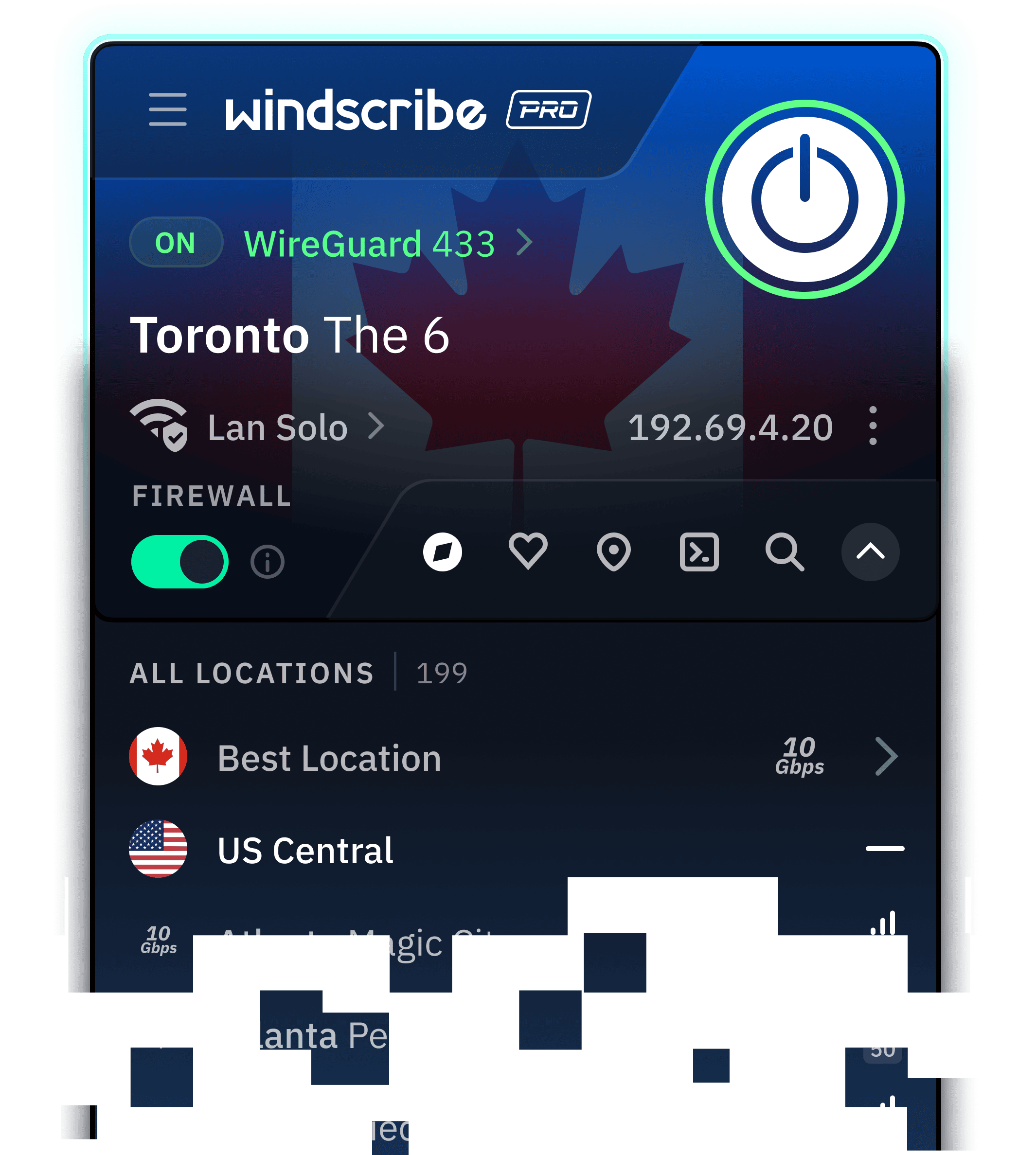
Open the app and hit the big ON button. That is genuinely it. You can also set Windscribe to auto-connect when Windows starts, or create Network Rules so it connects automatically whenever you join an untrusted Wi-Fi network.

How do I change my VPN location on Windows?

Click the location list in the app and pick another server — you'll switch in seconds. Switching to Windscribe from another VPN? Uninstall the old one first to avoid network driver conflicts, then install Windscribe.

Will a VPN slow down my Windows PC?

A little — every VPN adds some overhead, and anyone claiming otherwise is selling something. With WireGuard, the difference is usually small enough that you won't notice it while browsing, streaming, or gaming. If a connection feels slow, switching protocols or ports usually fixes it.